Is it free?
Image analysis is free, with no account or credits. Repeat analyses are welcome, subject to fair-use request limits and temporary service capacity. See free access.
No account · Images not saved by this site
Free · No account · No credits
Upload a reference image and get concise comma-separated concepts together with a negative prompt that targets the failure modes your image is most exposed to.
Describe the visible image closely.
Resized and stripped of metadata before analysis
A real reference-to-prompt case
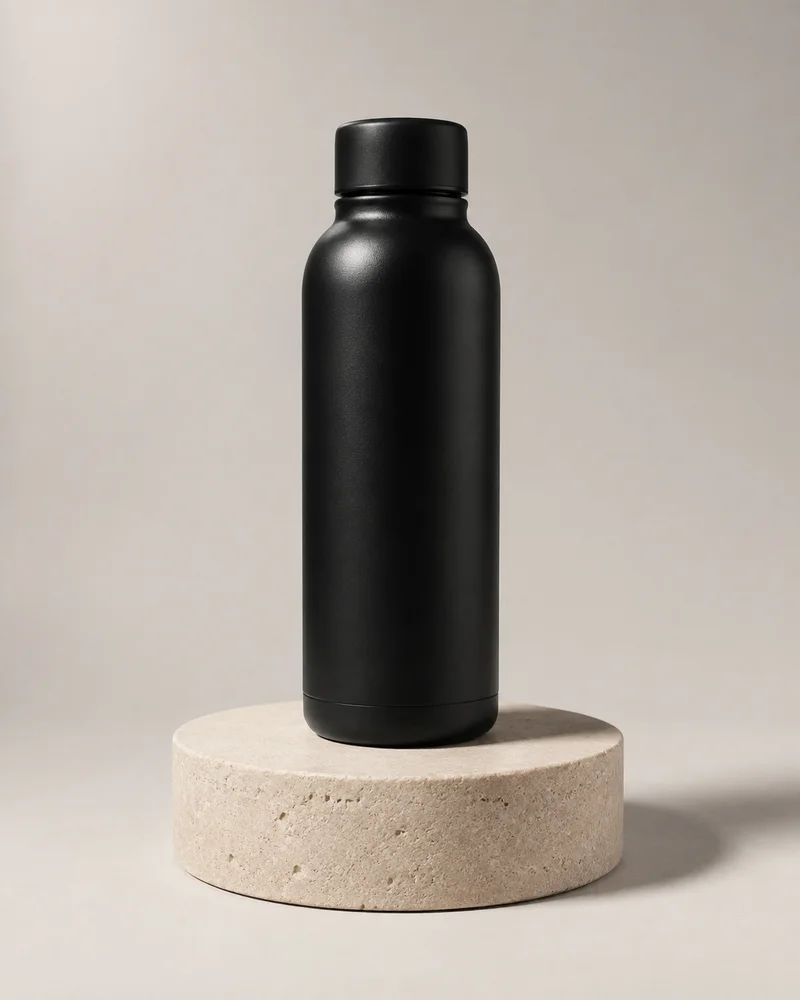
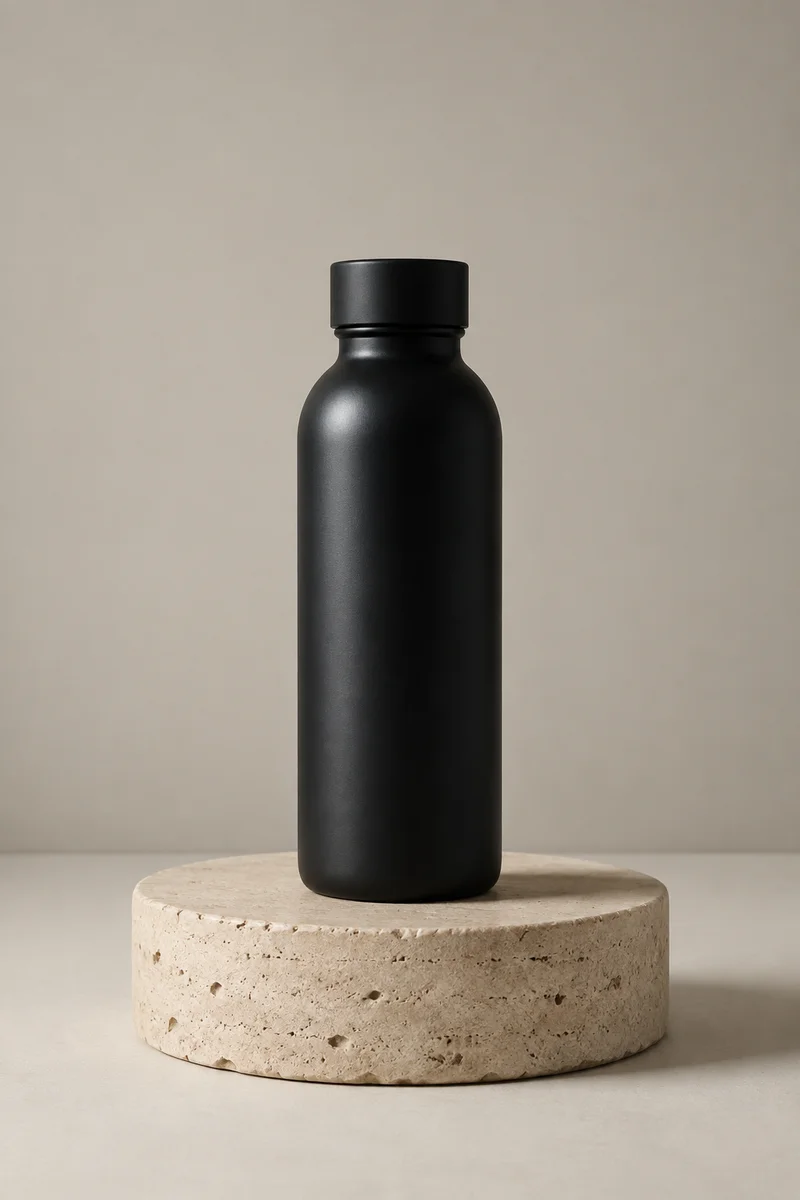
The scene carries over. Exact shape and framing can change.
AI-generated demo images · Opening this example makes no analysis call.See the full case and prompt formats ↗For Stable Diffusion, the compile step writes concise comma-separated concepts and a useful negative prompt, and keeps weighting syntax out unless it is clearly necessary. The positive side stays short because every concept in it comes from something the image actually shows.
The negative prompt is not a fixed boilerplate list. It is chosen against the style and medium the vision pass found — a die-cut sticker illustration gets different exclusions from a studio product shot.
Both fields are grounded in the same verified observations, and a second vision pass checks the draft against your image before it reaches you.
Both prompts are copyable on their own, so you can paste the positive and negative fields into their respective boxes.
Faithful mode prioritises literal recreation of the visible image and will not embellish the scene. Balanced mode keeps the subject and composition while allowing restrained polish in the wording.
A sticker-style illustration of a sleepy orange cat curled on a stack of books. Thick white outline, flat warm colors, tiny steam lines rising from a mug beside the cat.
Primary prompt
sticker illustration, sleepy orange cat curled on a stack of hardcover books, thick white die-cut outline, flat warm color palette, tiny steam lines rising from a mug beside the cat, cozy mood, clean vector shapes, plain background
Negative prompt
photorealistic, gradient shading, cluttered background, extra limbs, text, watermark
Stable Diffusion pipelines benefit from concise comma-separated concepts plus a real negative prompt that excludes the most common failure modes for this style.
Three more use cases are written out on the image to prompt examples page.
Image analysis is free, with no account or credits. Repeat analyses are welcome, subject to fair-use request limits and temporary service capacity. See free access.
Not by default. The compile step is told to keep weighting syntax out unless it is clearly necessary, so the prompt stays portable across checkpoints and interfaces.
It is derived from the verified style and medium of your image, so it excludes the failure modes that specific picture is exposed to rather than repeating one universal list.
No. Your browser resizes the image and strips file metadata before upload, the prepared image is analysed in memory for the duration of the request, and this site does not save it.
The same pipeline compiles for a portable universal format as well as the other image models. Each page preselects its own target.
Read the full four-step pipeline on how image to prompt works.