Is it free?
Yes. Image analysis, prompt editing, and copying are free. There is no daily one-use allowance, paid plan, or credit pack. Fair-use request limits and temporary service capacity limits apply.
No account · Images not saved by this site
Free to use · No account · No credits
Upload a reference, choose a model, and get an editable prompt. Free, with no account or credits.
Describe the visible image closely.
Resized and stripped of metadata before analysis
A real reference-to-prompt case
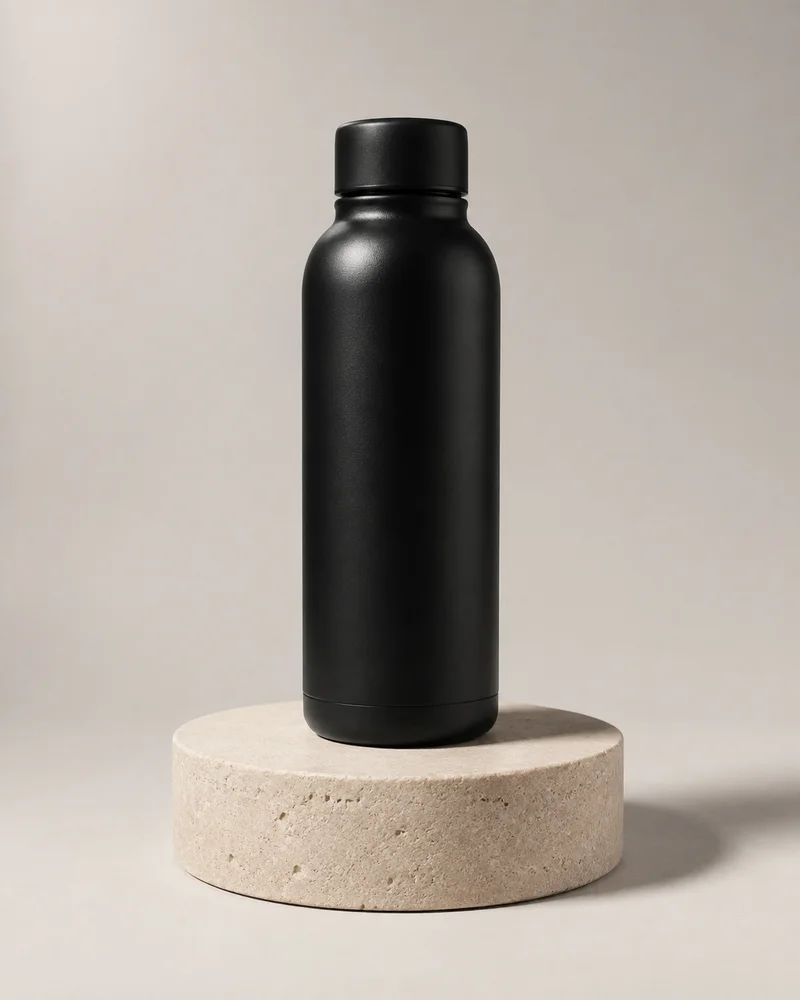
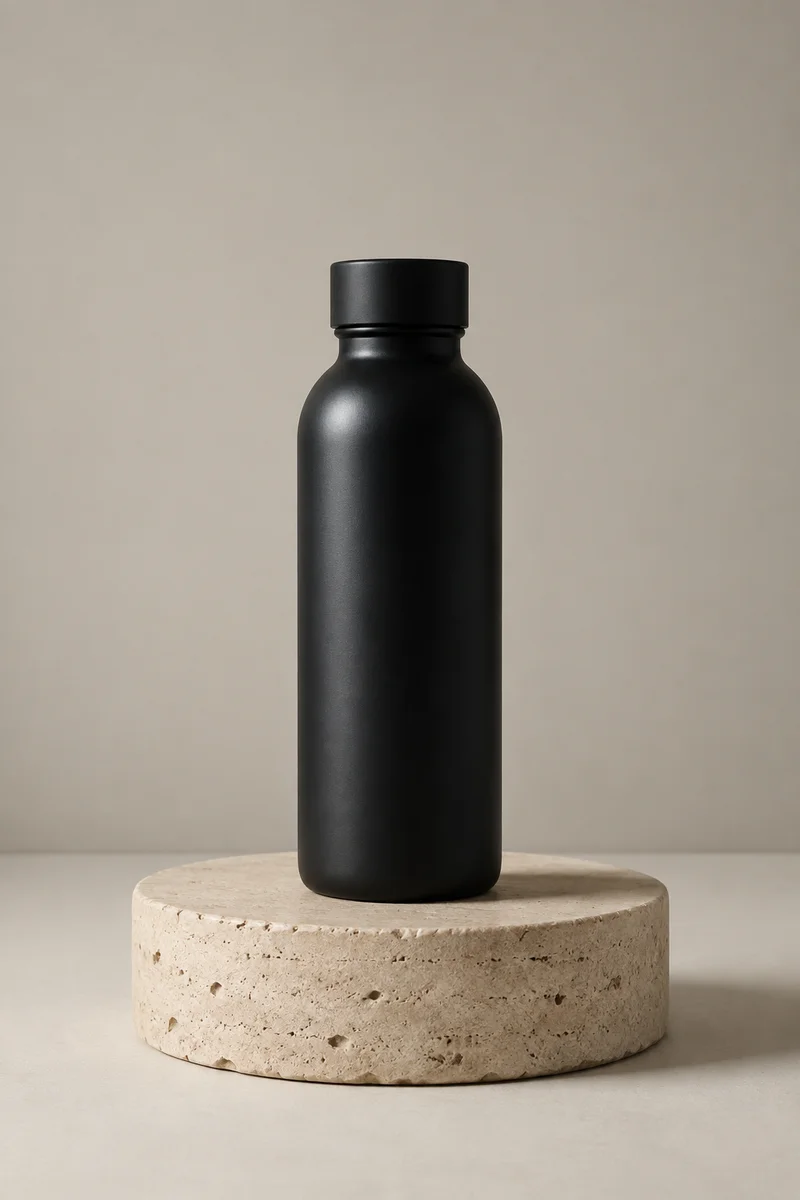
The scene carries over. Exact shape and framing can change.
AI-generated demo images · Opening this example makes no analysis call.See the full case and prompt formats ↗One reference. A real result.
A studio bottle photo, analyzed by this tool, then recreated from its text prompt.
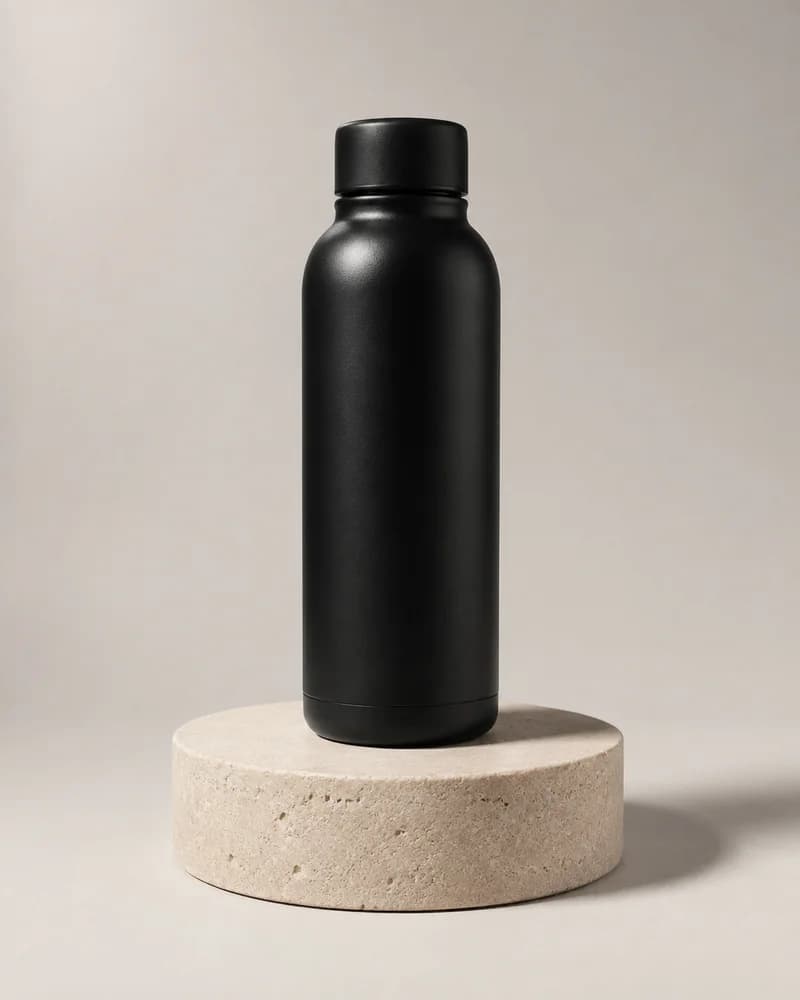
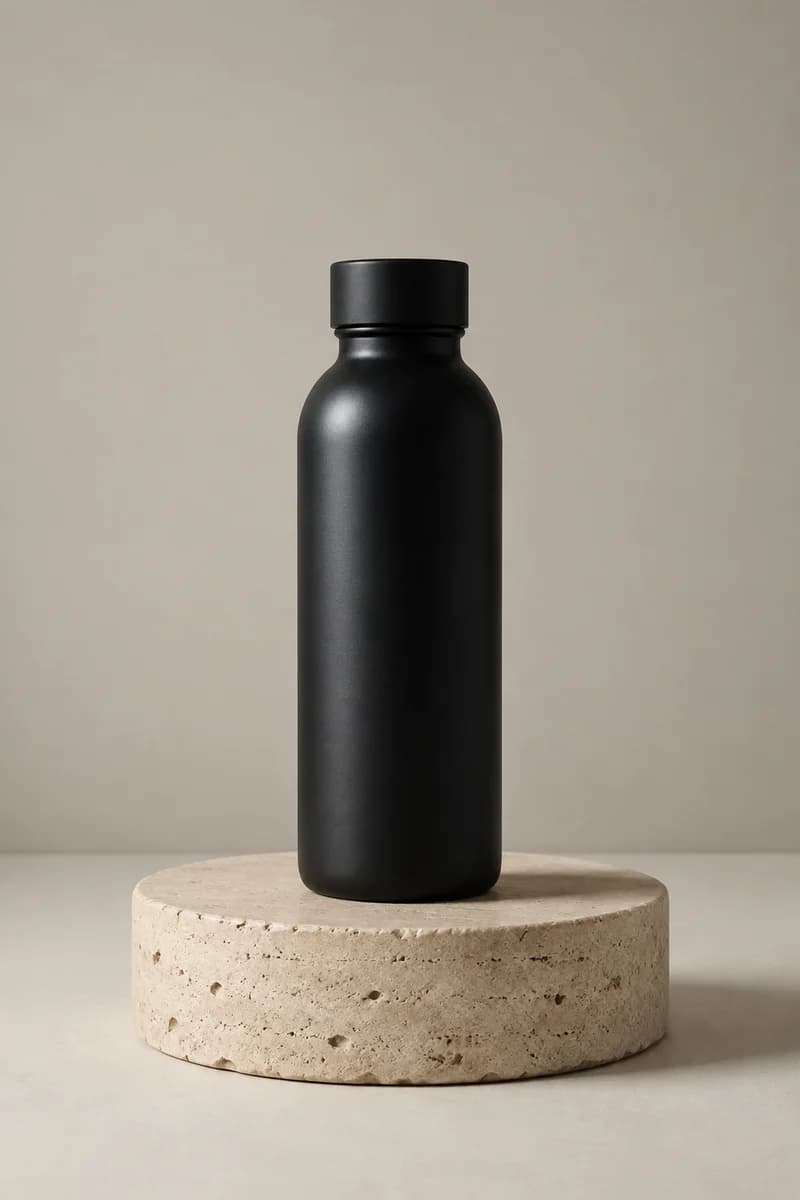
Case recorded September 7, 2026. Universal / Faithful output, recreated with OpenAI image generation using the exact primary prompt, without a reference image or separate negative prompt. One generation; model version and seed were not exposed.
The subject, palette and soft light carry over; the cap, proportions and framing change. One example, not a guarantee of identical results.
This saved prompt is the actual tool output. Opening or copying it does not run an analysis.
A matte black cylindrical water bottle with a matching black screw-on cap stands upright and centered on a low, round travertine stone pedestal in a minimal studio. The bottle has a smooth powder-coated matte finish with a subtle specular highlight running along its left shoulder and a gently rounded shoulder tapering into a short neck. The pedestal is a thick cylindrical slab of porous, honed beige stone with visible pitting and natural texture, resting on a smooth off-white surface. Behind them, a plain warm light-gray seamless wall provides a clean, neutral backdrop. Vertical portrait composition with the bottle on the central axis, the pedestal occupying the lower third, and generous negative space on both sides; straight-on symmetrical eye-level perspective with a normal to slightly long focal-length feel and minimal distortion. Soft diffused key light from the upper left creates low contrast, a gentle gradient shadow falling to the right of the pedestal, and a neutral daylight-like studio mood. Sharp focus across the bottle and pedestal with the background only softly out of focus. Color palette of matte black, charcoal, warm light gray, beige, off-white, and soft taupe. Minimalist commercial product photography with a clean, premium, unbranded aesthetic. No text, logos, or labels anywhere in the frame.
Each image model reads a prompt differently, so the same verified visual facts are compiled differently per target: compact descriptive clauses with justified parameters for Midjourney, complete natural-language sentences for Flux, comma-separated concepts plus a real negative prompt for Stable Diffusion, and full art direction for DALL·E.
Every result contains all of the following, editable and copyable:
A tested reference-to-prompt studio case and writing examples for travel, a sticker illustration, and food photography are on the examples page.
The full methodology, including the scoring components, is on how image to prompt works.
Faithful prioritises literal recreation of the visible image and will not embellish the scene. Balanced keeps the subject and composition while allowing restrained polish in the wording. Both modes run the same review pass against your image, so neither skips the check.
Yes. Image analysis, prompt editing, and copying are free. There is no daily one-use allowance, paid plan, or credit pack. Fair-use request limits and temporary service capacity limits apply.
No. There is no sign-up, no email address, and no login. The tool works straight from the browser and you can start immediately.
No. Your browser resizes the image and strips file metadata before upload, the prepared image is analysed in memory for the duration of the request, and this site does not save it.
Midjourney, Flux, Stable Diffusion, DALL·E, and a portable universal format. Prompt structure, parameter style, and negative prompts adapt to the target you choose.
A primary prompt, an alternate wording, a negative prompt where the target model benefits from one, a structured breakdown of subject, camera, lighting, palette, and style, and a quality report with component scores.
Read about free access and fair-use limits on the free access page.
Every result is checked against the original image before you see it.
Prompt structure adapts to Midjourney, Flux, Stable Diffusion, and more.
Your prepared image is analyzed in memory and is not saved by this site.